Your whole wedding in one place.
Arrangements with us, the weekend plan, accommodation, guest list and tables – all on your phone. And over the weekend, a gallery and chat for your guests, with no app at all. Most venues don't have this, and couples pay for similar tools separately. Here, every couple gets the Assistant included in the hire.
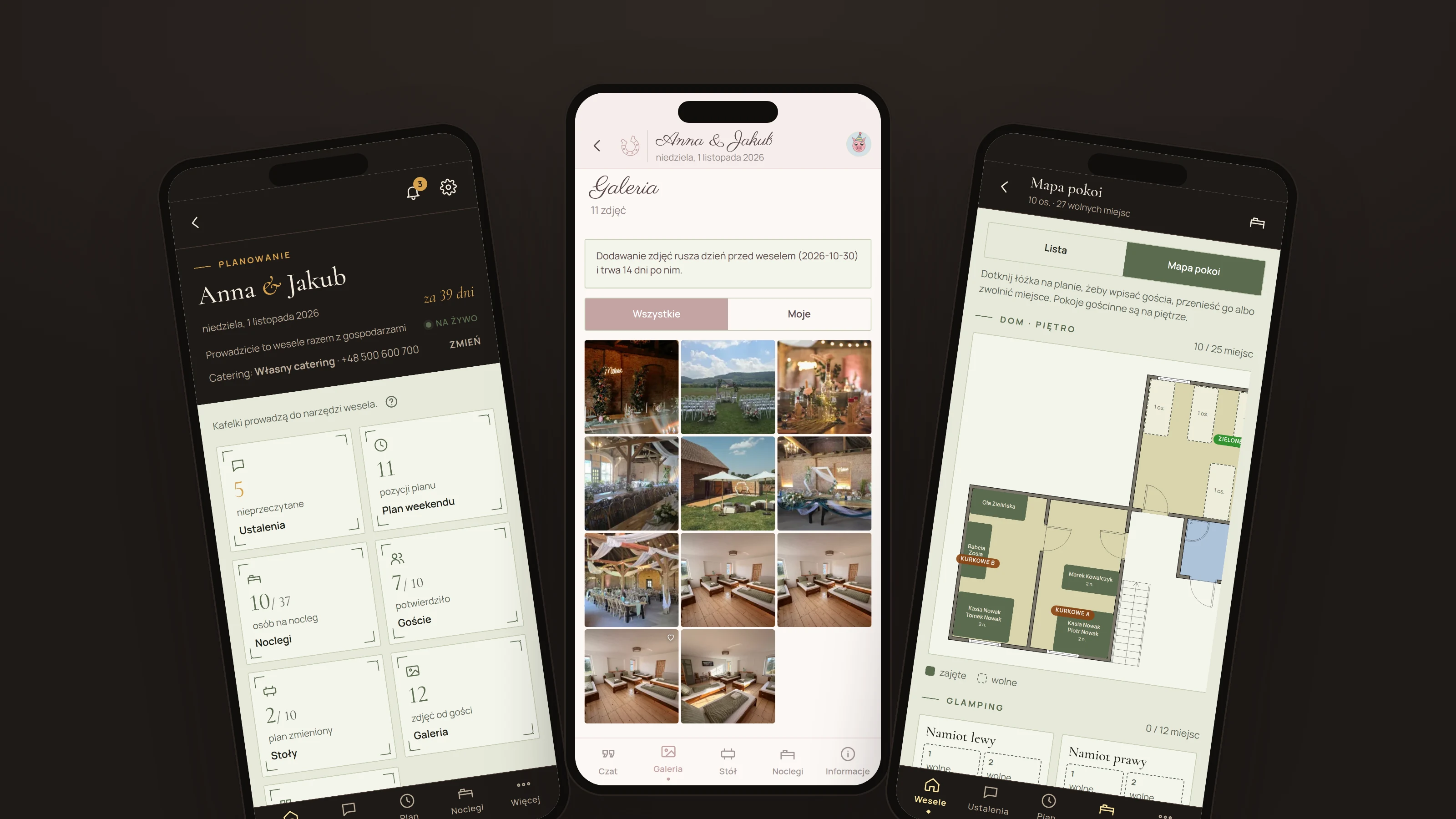
We didn't build it to “have an app”. We built it because with a handful of weddings a year we want every arrangement, every change to the number of beds and every “can we arrive Friday at 4?” to have its place – so we can answer within the hour and nobody has to remember everything on their own. Couples tell us it makes contact with us and with their suppliers so much easier. That's the whole point. The interface is in Polish; we're happy to walk you through it.
Planning with us
Every topic – cake, shuttle, decorations, kids – is its own thread with a history. We reply in it, and you never dig through emails and texts again.
Guests without stress
A personal link, one-tap RSVP, their table and bed to check after scanning the code on the table. No account, nothing to install.
The weekend, live
Guests' photos go straight to the screen in the barn, the guest chat turns into a guest book after the wedding, and a “cake in 10 minutes” announcement reaches everyone.
From the first arrangement to the guest book.
-
 I.
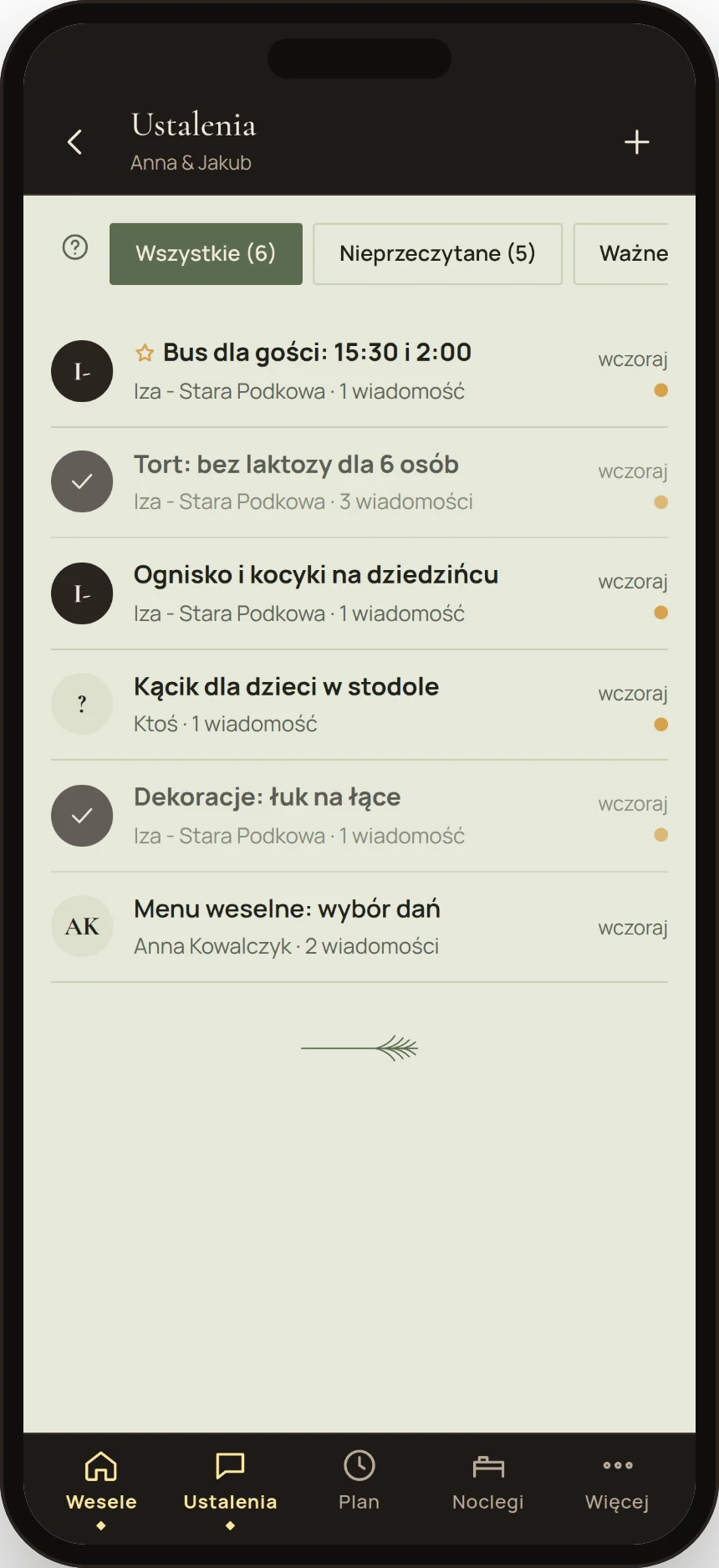
I.Arrangements with the venue
A lactose-free cake for six, a shuttle at 2 am, a kids' corner. Every topic has its thread, we reply in it, and you never search through emails. “Important” and “resolved” threads, attachments, notifications. Quick questions go to the chat with us – and become an arrangement in one tap.
-
 II.
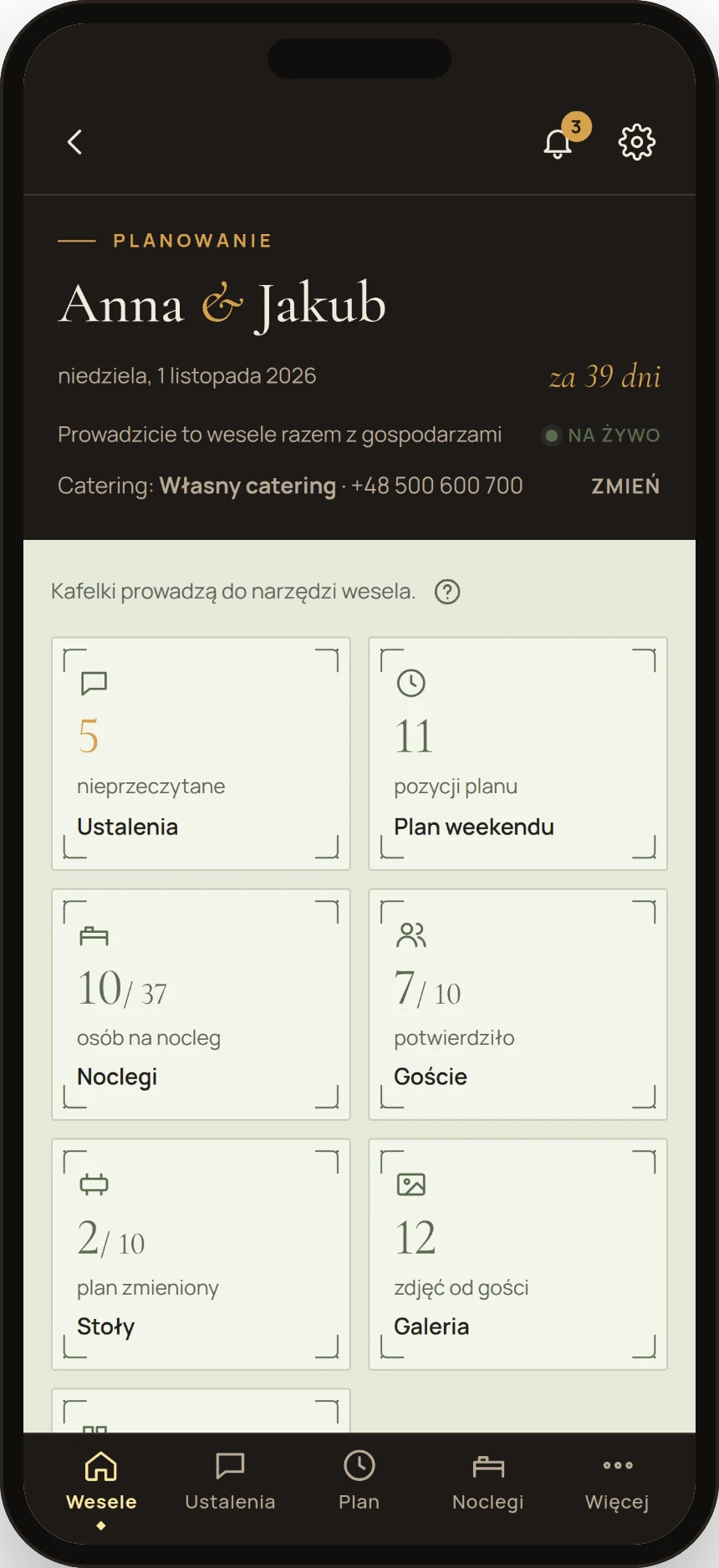
II.Reminders before it gets late
You don’t have to remember what to send us and when. The Assistant reminds you in good time about what we need before the wedding – guest and bed numbers, the seating plan, timings and supplier contacts. Everything lands in one place, so nothing gets lost and we never have to call you in your wedding week with last-minute questions.
-
 III.
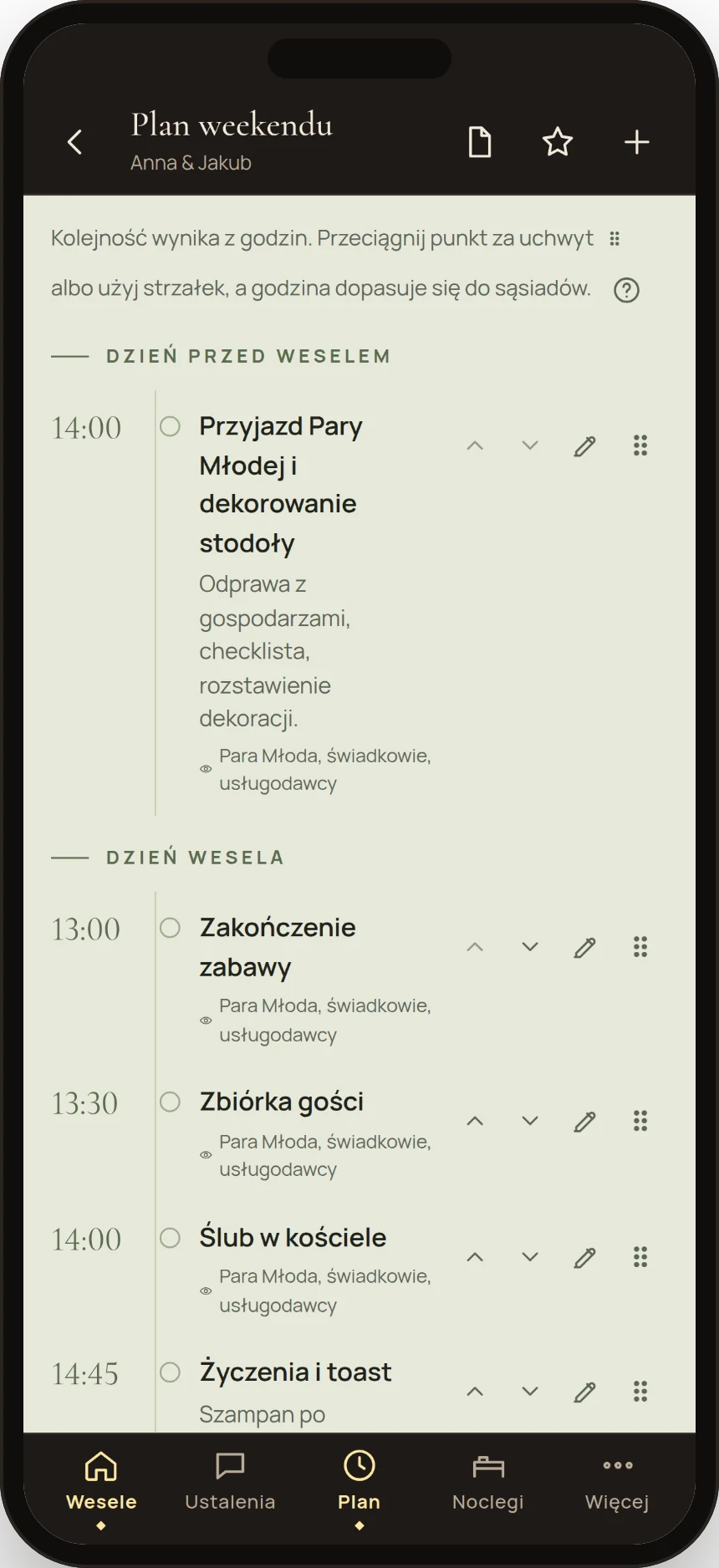
III.The weekend plan
A timeline from Friday to Sunday: arrival, ceremony, dinner, first dance, the Sunday party. A wizard with a typical barn-wedding plan to start, then you drag items with a finger. Each item has its own visibility: just you, witnesses, suppliers or all guests.
-
 IV.
IV.Accommodation
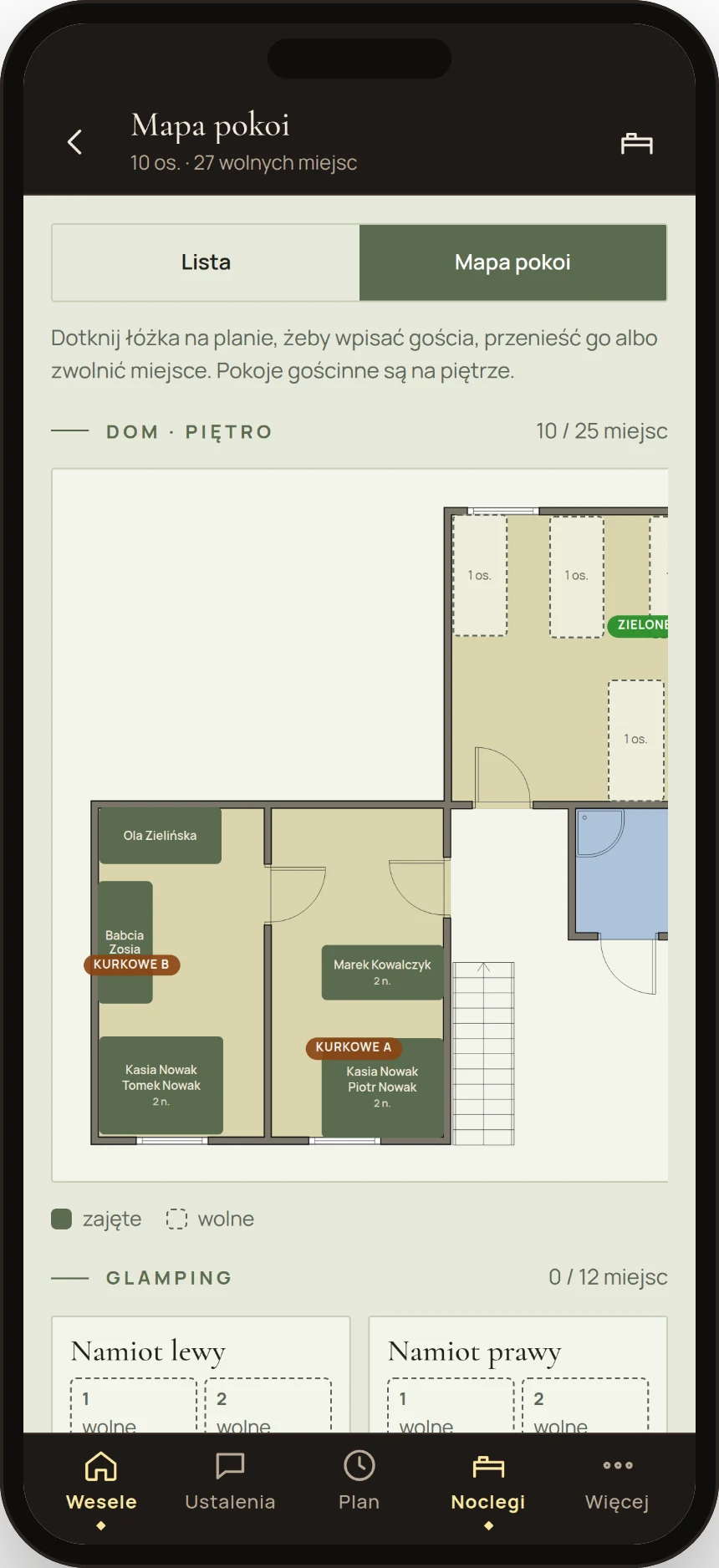
Who sleeps in the Kurkowe A room and who in a tent? You arrange it on a map of the house and glamping, with room photos, number of nights and “who has paid”. Guests can pick their own bed if you prefer – up to 7 days before the wedding. A display at the house entrance shows guests where they sleep.
-
 V.
V.Guests and RSVP
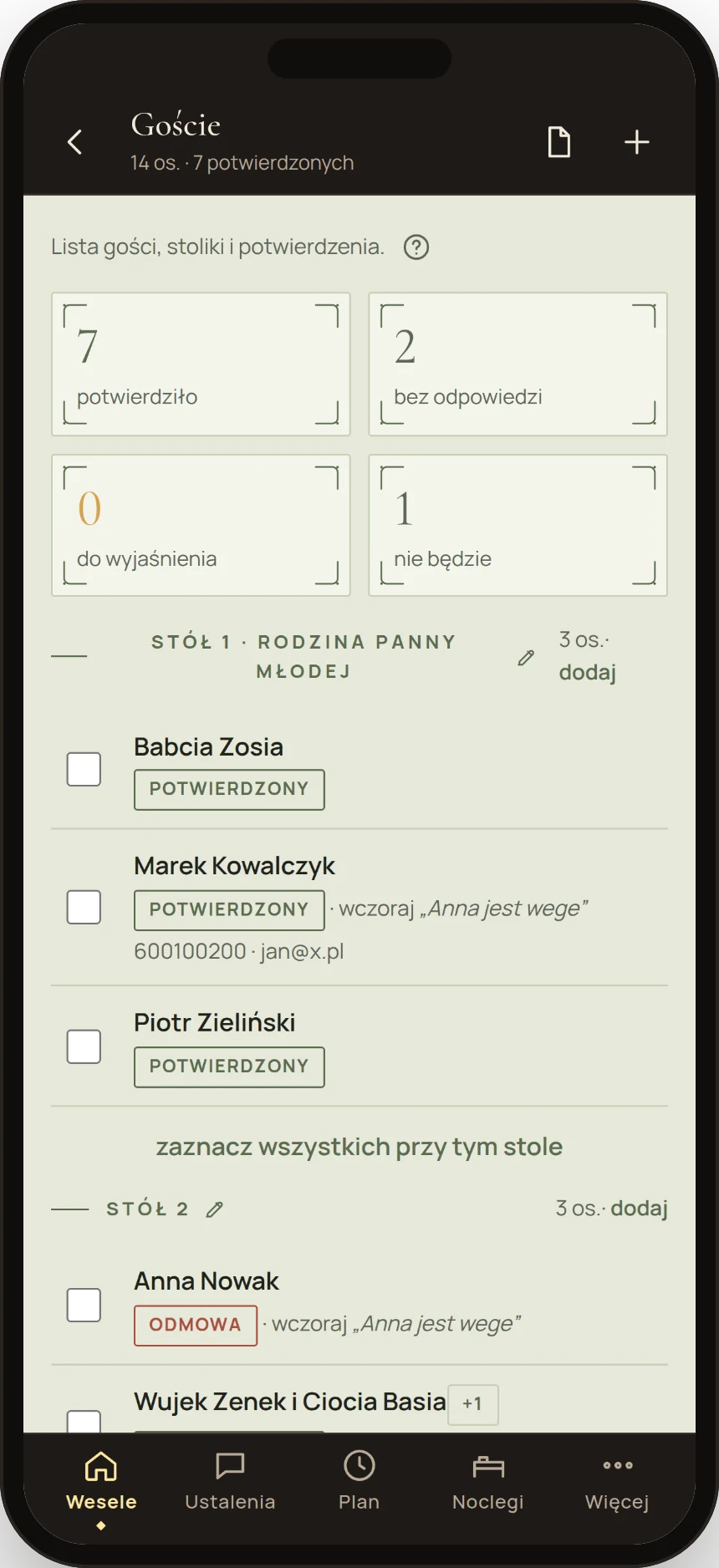
Every guest or family gets a personal link and confirms with one tap. You see who has answered, how many are coming and who has a diet or brings children.
-
 VI.
VI.Seating planner
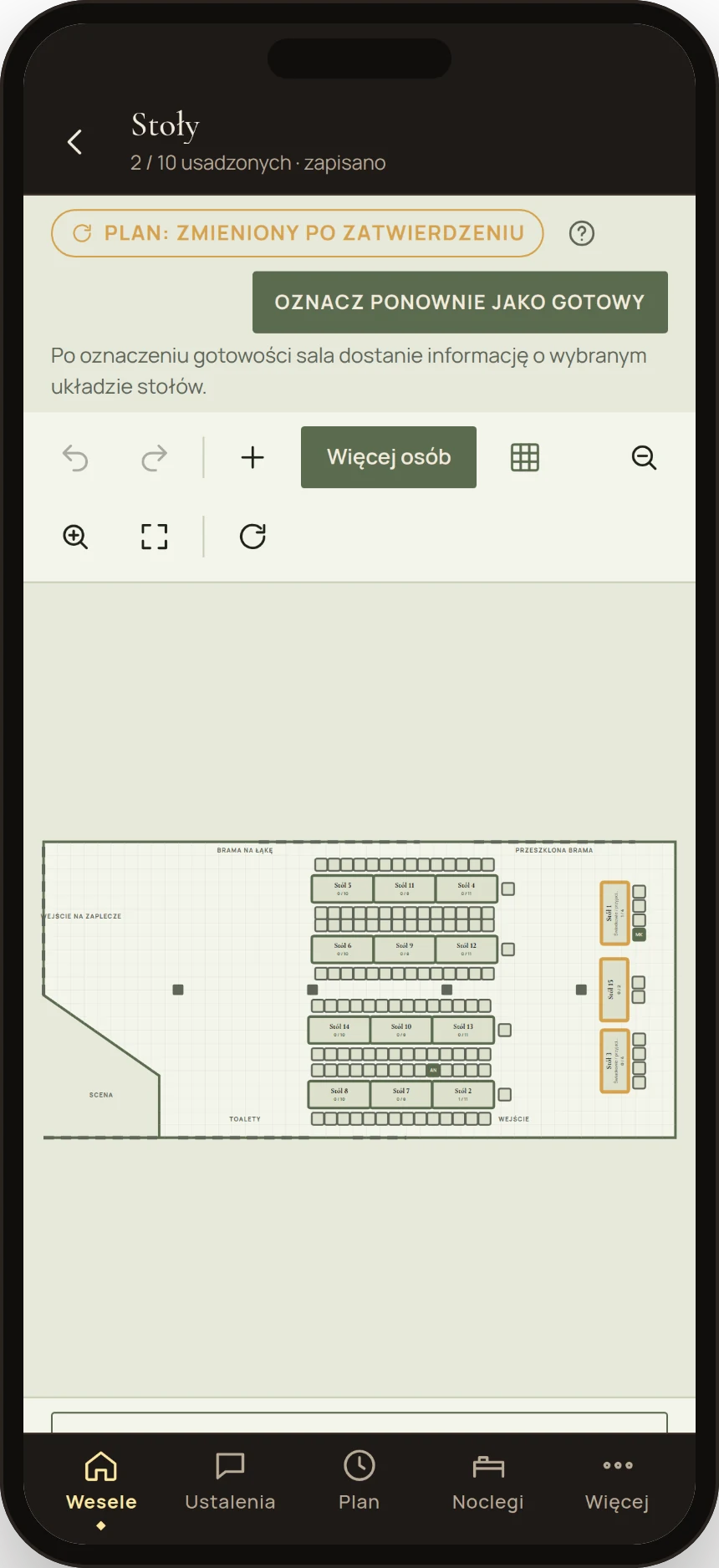
Tables laid out in the barn's floor plan with real dimensions, guests on chairs – you seat them with a finger, straight from the guest list. Once you mark the plan as ready, we get it automatically, and each guest finds their table after scanning the code.
-
 VII.
VII.Guest website and sharing
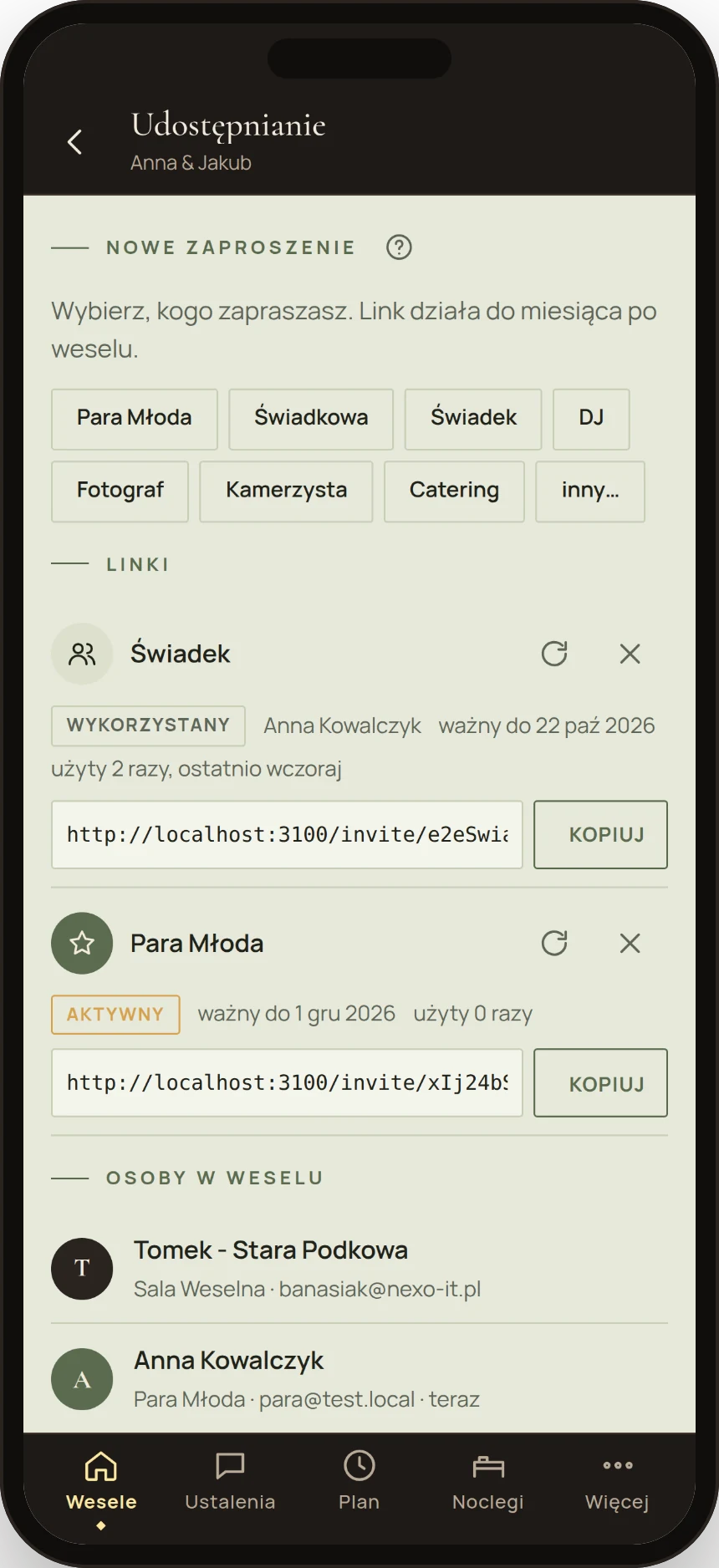
Your wedding website with directions, the plan, RSVP and accommodation, in one of four styles. You invite witnesses, the photographer, DJ and caterer with a link – each sees only what's theirs. The link works until a month after the wedding.
-
 VIII.
VIII.Guest gallery
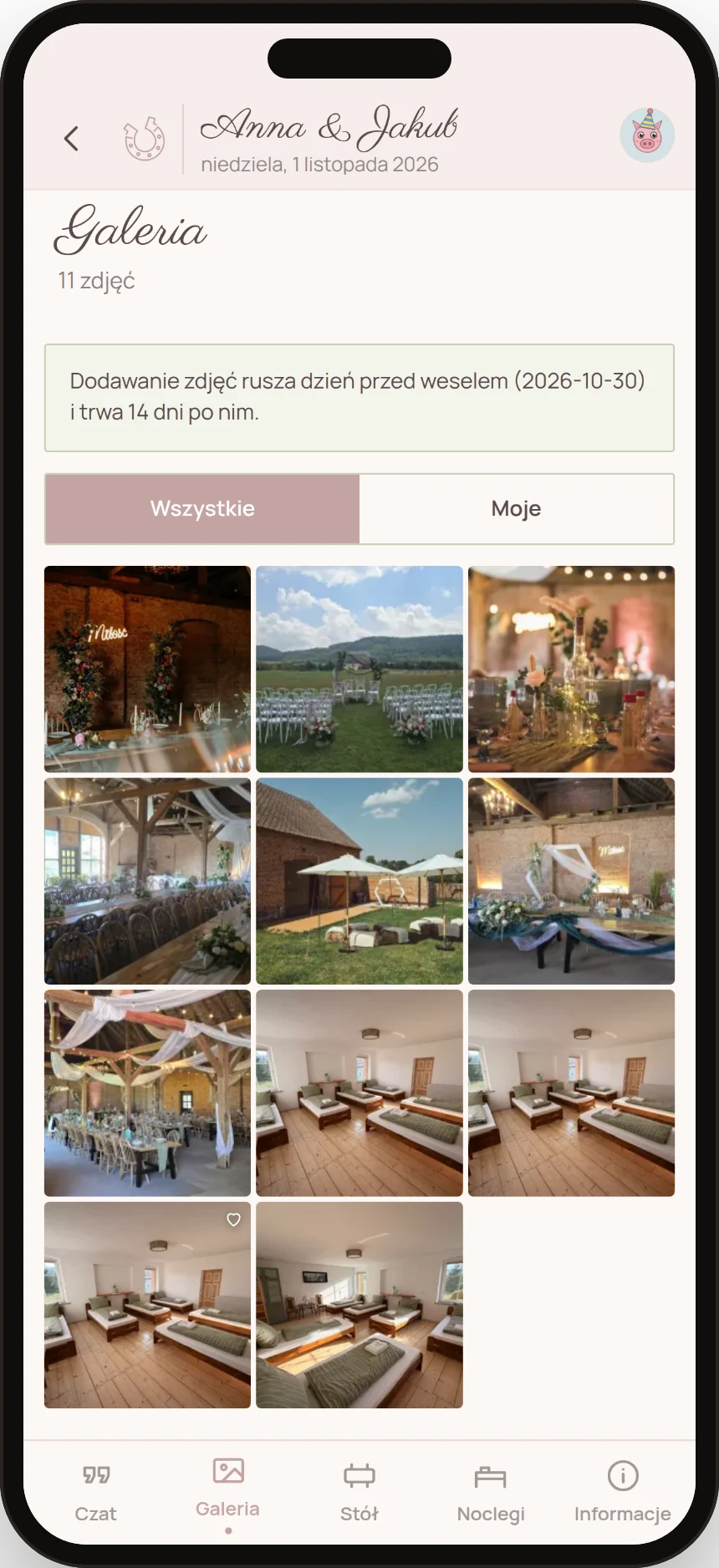
A QR code on the table. Guests upload photos and short videos from their phones, no app and no account, from the day before the wedding to two weeks after. You download everything as one ZIP, and the best shots go to the screen in the barn.
-
 IX.
IX.Guest chat and guest book
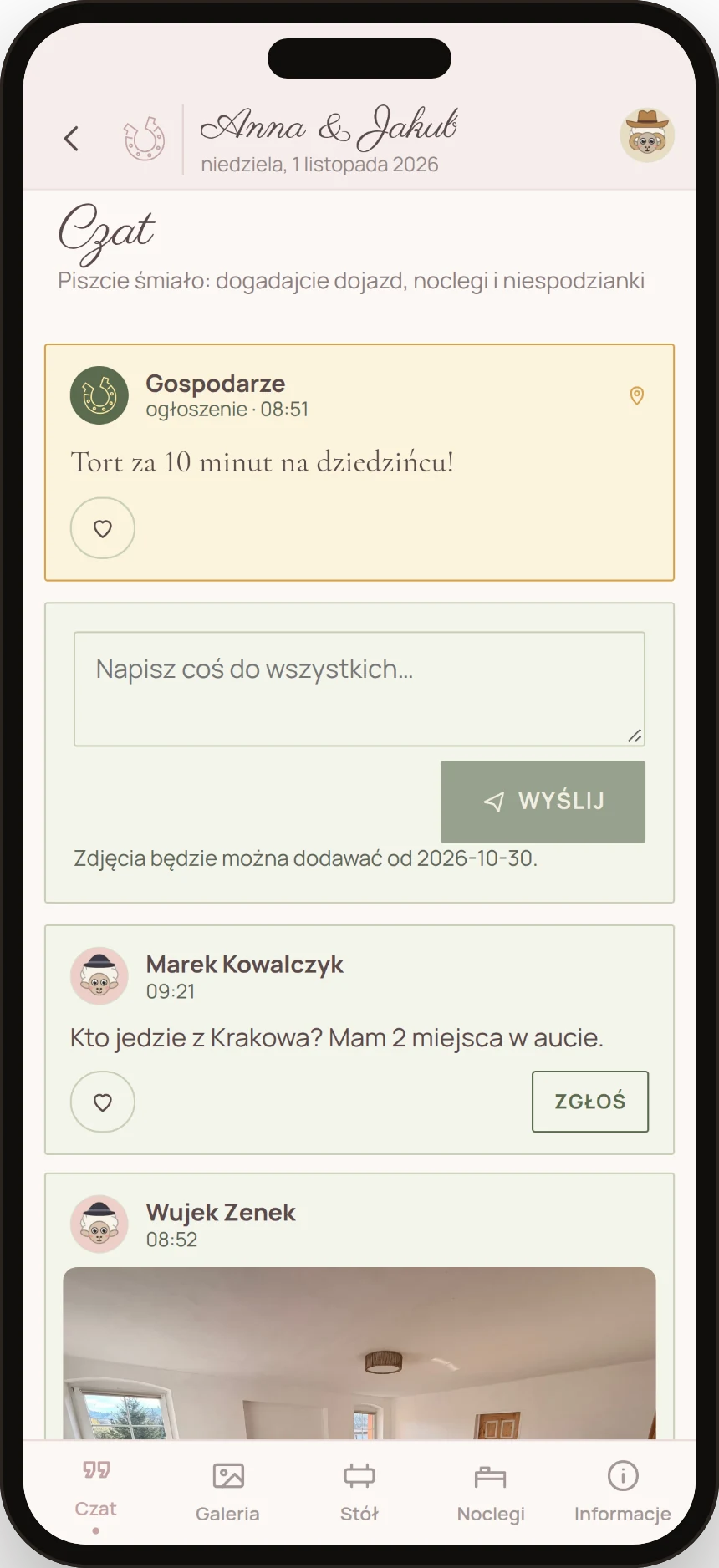
Who's driving from Kraków? Guests sort it out among themselves before they've even met. Over the weekend they see your announcements pinned at the top, and after the wedding the chat becomes a guest book – to read and to print.
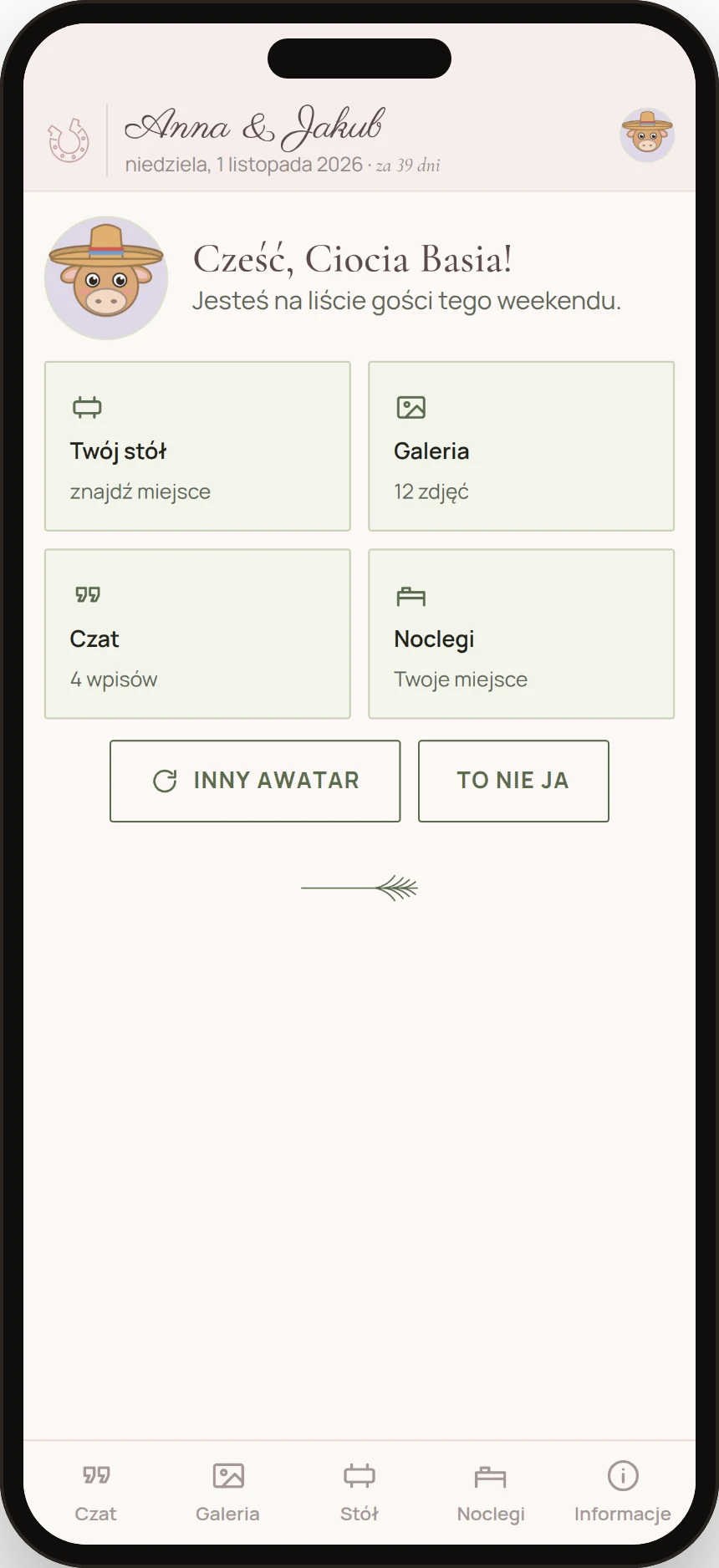
Guests scan a code and that's it.
No account, nothing to install. They enter a name, pick an avatar – an animal in a hat – and get five tabs: chat, gallery, their table, their bed and information on directions, the plan and the dress code. All in the style you chose for your website.
On our side, the same Assistant runs the calendar of dates and holds, our mail with couples, the cleaning plan and the season's accounts. That's how we answer fast and nothing slips through.
Do guests have to install anything?
No. They scan the QR code on the table or get a link, enter a name and that's it. It works in the browser on iPhone and Android.
Does the Assistant cost extra?
No. It's included in the hire for every couple. Other couples pay for similar tools separately – here it's part of how we work.
How will we know what to send you and when?
The Assistant reminds you itself, in good time. Your wedding screen shows how many days are left and what still needs filling in, and a notification arrives before anything becomes urgent.
Who can see our arrangements?
You and us. You show witnesses or suppliers only the threads and plan items you choose.
What happens to the photos after the wedding?
They stay in your gallery to download as one ZIP. Guests can add photos up to 14 days after the wedding, and wishes to the guest book for 30 days.
Does it work like an app?
Yes – you open it in the browser and can add it to your phone's home screen. Nothing to install from a store.